
Features
Built for Easy Streaming
IPTV PLUS works with the apps and devices you already know. Here is what is included and how it fits into your setup.
Features
Works on the screens you own
Use a Fire TV Stick, Android TV, a Samsung or LG smart TV, Apple devices, phones or a computer. No dish or set-top box to install.
Programme guide
Compatible player apps show an electronic programme guide (EPG), so you can see what is on now and next, where the broadcaster supplies the data.
Flexible plan lengths
Choose the term that suits you, from a single month to a full year. The longer the plan, the less each month costs.
Clear setup guides
Step-by-step instructions for every major device, written in plain language, naming the exact menus and settings you need to change.
Real setup help
Stuck on a step? Contact support and tell us your device. We help you get the app installed and signed in.
Transparent terms
Prices, plan lengths and the refund policy are published before you pay, with no hidden extras added at checkout.
Standard login formats
Access works with the two formats almost every IPTV player supports: an M3U playlist link or an Xtream Codes login.
Install on any of your screens
Set up the player on your TV, tablet and phone and watch on whichever suits you. Each plan covers one device playing at a time.
Explore the Experience
What watching looks like in a typical IPTV player app. Exact menus vary by app and device.
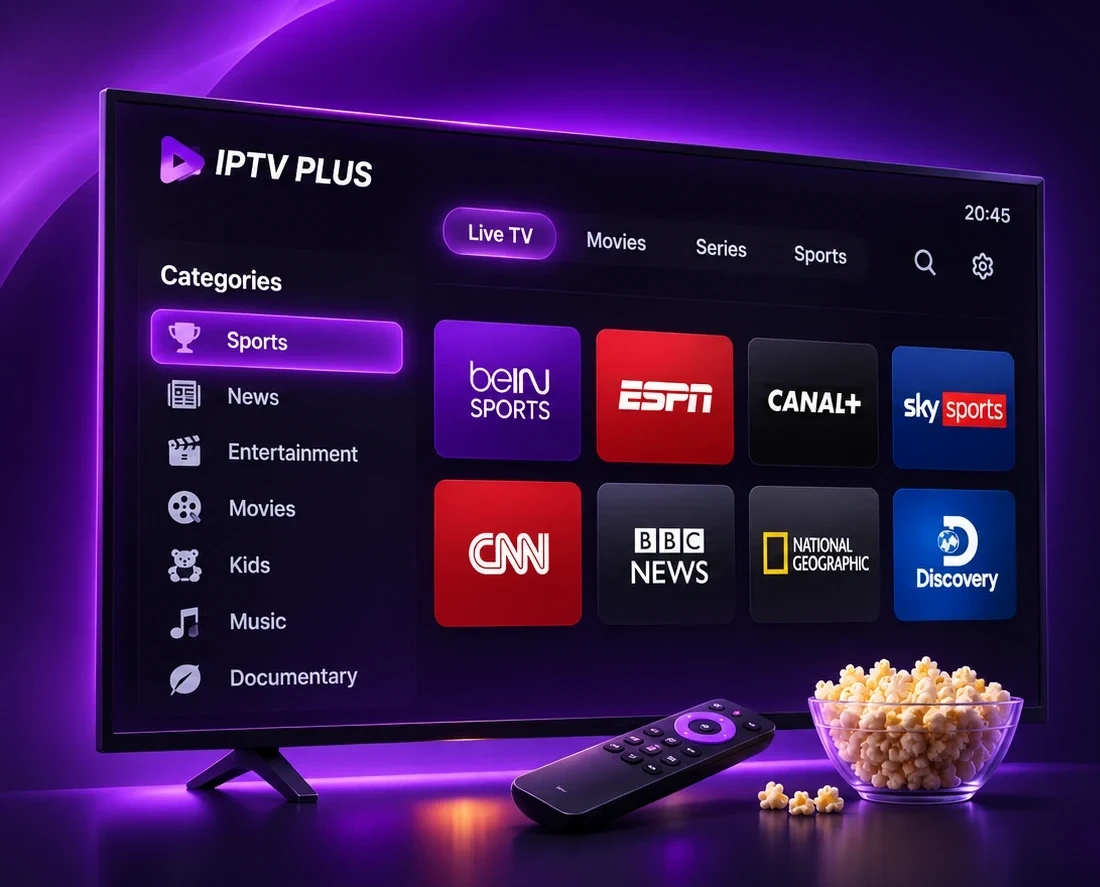
Browse Live Channels by Group
Player apps organise channels into groups such as news, sport or by country. Jump between groups with your remote and press OK to watch.
Find your device guide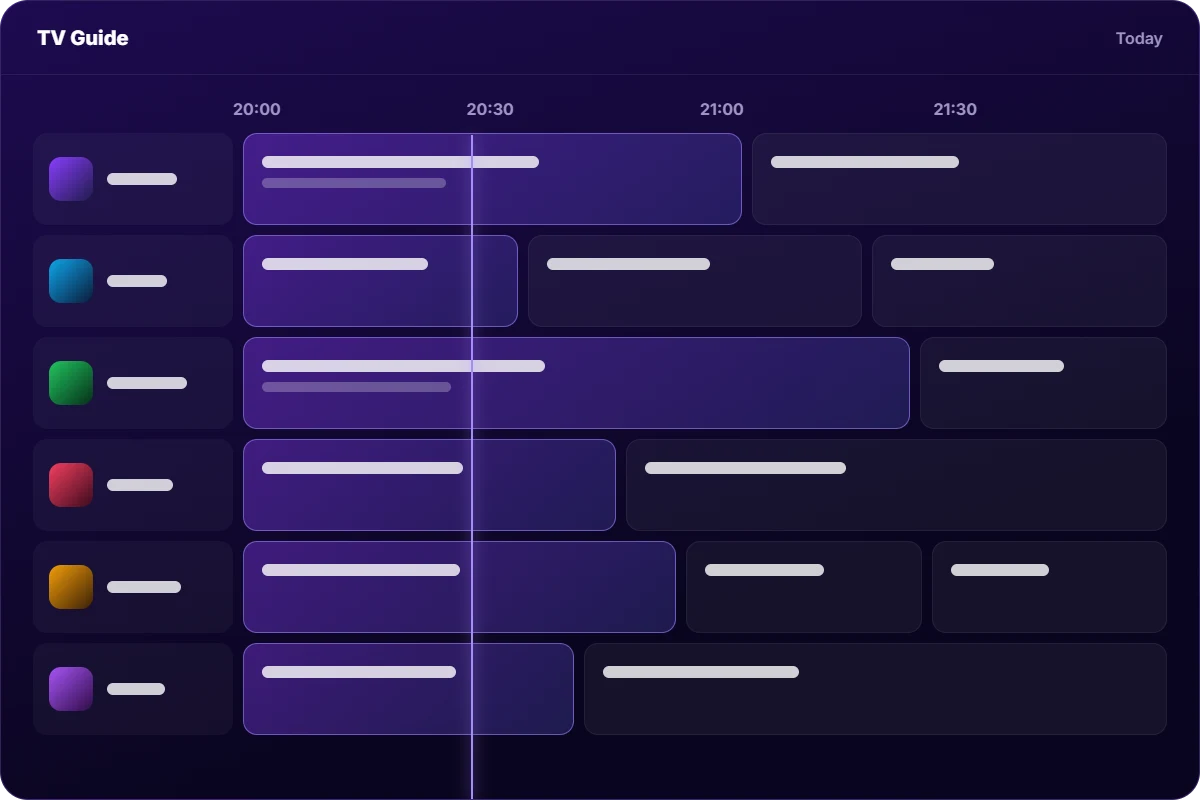

Why Choose IPTV PLUS?
How internet-based TV differs from a traditional cable or satellite setup.
Traditional pay-TV
Cable & satellite
- Dish or cable line needs to be installed at your address
- Set-top box usually required for each TV
- Tied to the TV watching on a phone often needs a separate app or add-on
- Long contracts are common with many providers
- Moving home can mean a new installation appointment
Internet-based
IPTV PLUS
- No installation — it runs over your existing internet connection
- Use your own devices — TV sticks, smart TVs, phones and computers
- Watch in any room that has a good Wi-Fi or wired connection
- Fixed-term plans from one month, chosen by you
- Programme guide in compatible player apps
Ready to Start Streaming?
Choose a plan, follow the step-by-step guide for your device and start watching.
- Clear, upfront pricing
- Setup guide for every device
- Help on WhatsApp