

IPTV Basics 7 min read
What Is IPTV? A Clear Guide to Internet Protocol Television
What is IPTV? A plain-English guide to Internet Protocol Television: how it differs from cable, the types of IPTV, and what you need to start watching.
IPTV PLUS is an IPTV subscription for the devices you already own: Fire TV, Android TV, smart TVs, Apple devices, phones and computers. Choose a plan, follow the guide for your device and start watching.
One subscription works across the devices you already use. Pick yours to see the step-by-step setup guide.
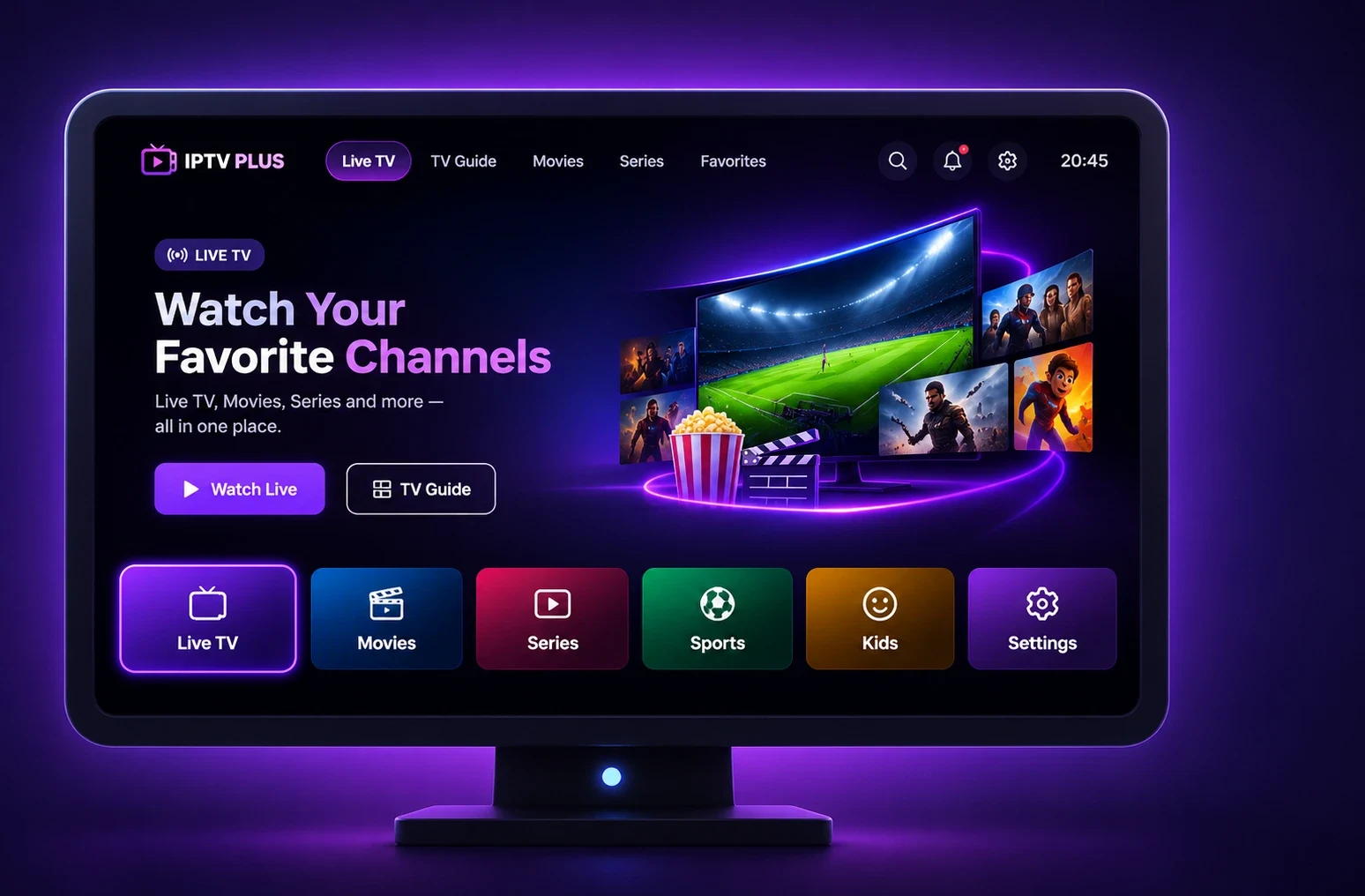
What watching looks like in a typical IPTV player app. Exact menus vary by app and device.
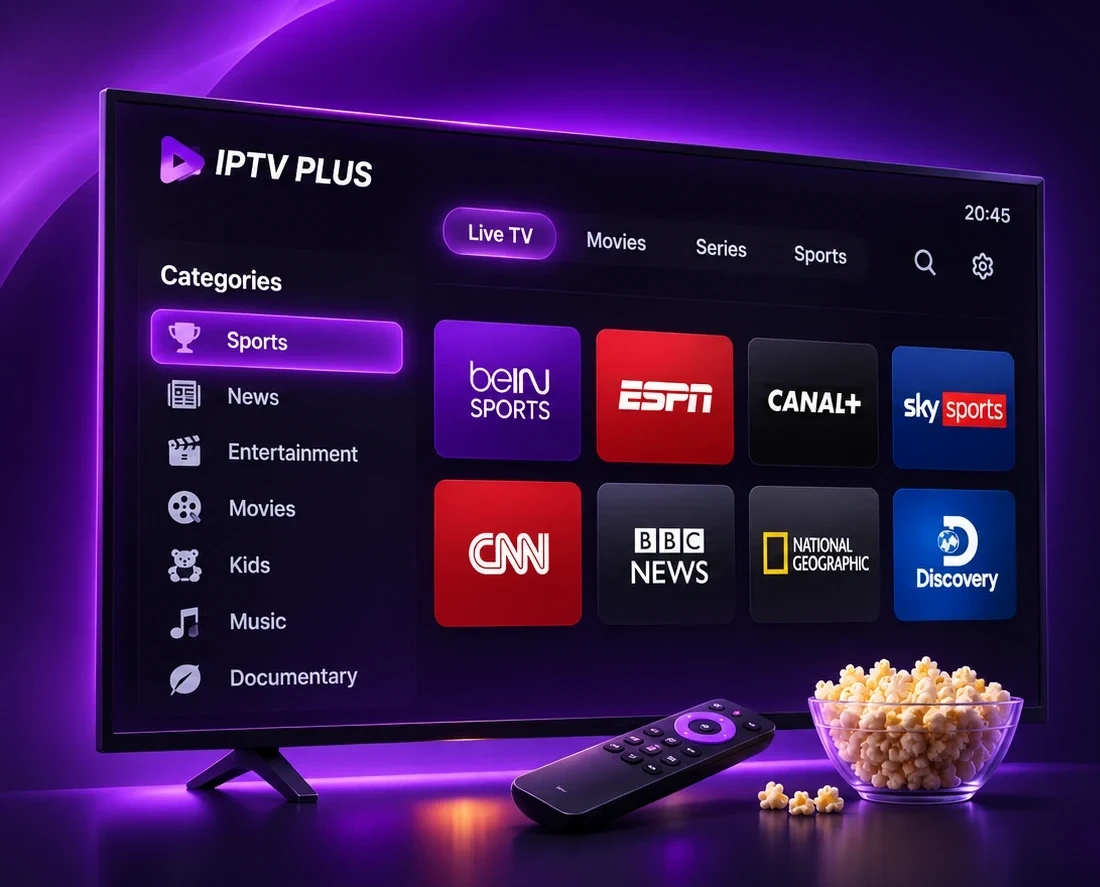
Player apps organise channels into groups such as news, sport or by country. Jump between groups with your remote and press OK to watch.
See All FeaturesPricing
Every plan covers 1 device and includes the same features. The longer the plan, the less each month costs.
Price: €20
One month
Best for trying it properly.
Price: €35
3 months · ≈ €11.67/month
A full season of viewing.
Price: €45
6 months · ≈ €7.50/month
Half a year, sorted.
Price: €69
12 months · ≈ €5.75/month
Works out cheapest per month.
Prices are in euros and cover 1 device per plan. Please read the refund policy and terms before ordering.
How internet-based TV differs from a traditional cable or satellite setup.
Traditional pay-TV
Internet-based
The essentials for a smooth streaming setup: device support, a programme guide, flexible plans and clear help.
Use a Fire TV Stick, Android TV, a Samsung or LG smart TV, Apple devices, phones or a computer. No dish or set-top box to install.
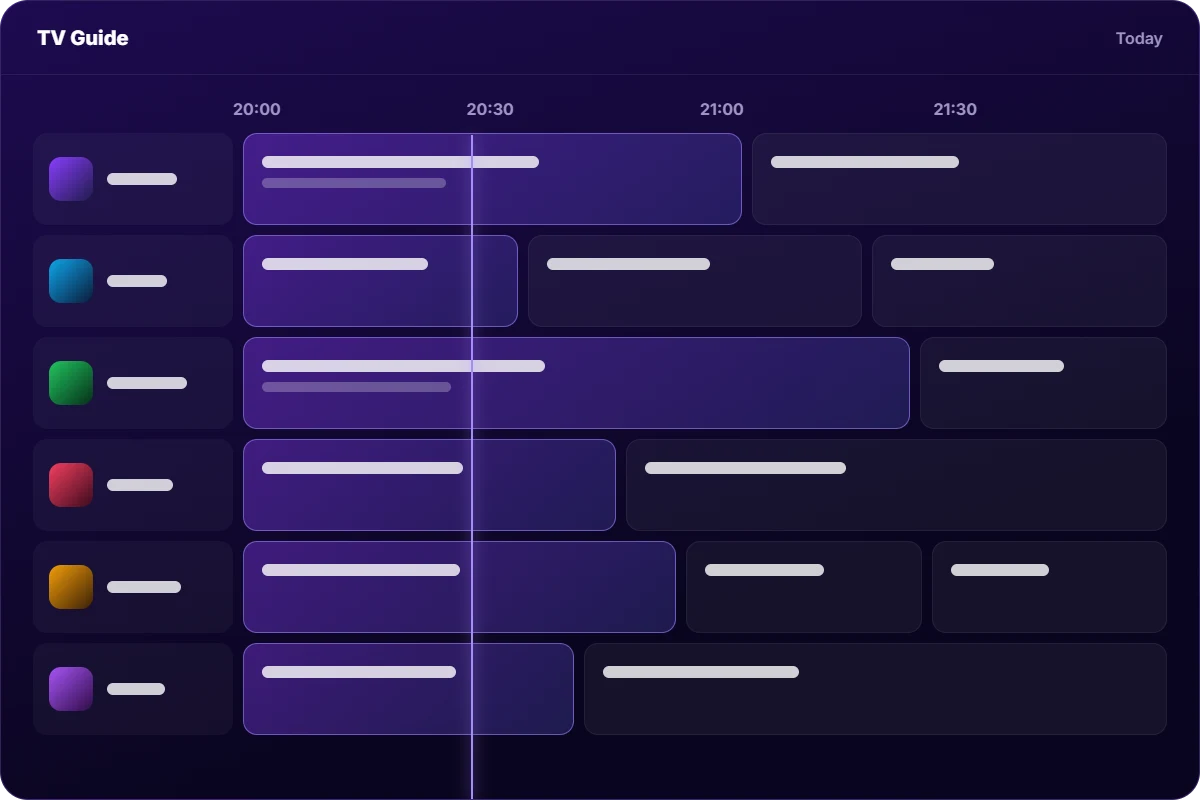
Compatible player apps show an electronic programme guide (EPG), so you can see what is on now and next, where the broadcaster supplies the data.
Choose the term that suits you, from a single month to a full year. The longer the plan, the less each month costs.
Step-by-step instructions for every major device, written in plain language, naming the exact menus and settings you need to change.
Stuck on a step? Contact support and tell us your device. We help you get the app installed and signed in.
Prices, plan lengths and the refund policy are published before you pay, with no hidden extras added at checkout.
From choosing a plan to pressing play, in four steps.
Pick the plan length that suits you: 1, 3, 6 or 12 months.
After your order is confirmed you receive your login details: an M3U link or Xtream Codes login.
Follow the guide for your device to install a compatible IPTV player from its app store.
Enter your details in the app, load the channel list and the programme guide, and press play.
Choose a plan, follow the step-by-step guide for your device and start watching.
Guides
Practical guides for getting the most out of your streaming setup.
What is IPTV? A plain-English guide to Internet Protocol Television: how it differs from cable, the types of IPTV, and what you need to start watching.
How to set up IPTV in six steps on any device: prepare your network, install a player, enter your M3U or Xtream Codes login, add the EPG, and test playback.
A step-by-step checklist to stop IPTV buffering and freezing: test your connection, fix Wi-Fi problems, clear the player cache and know when to contact support.
Quick answers
Short answers to the questions people ask most before they start.
IPTV (Internet Protocol Television) delivers TV channels over an internet connection instead of a satellite dish or cable line. You watch through a player app on a TV stick, smart TV, phone or computer. Read our full guide: What is IPTV?
A stable internet connection, a compatible device and an IPTV player app. Our device guides show which app store to use and how to sign in.
Amazon Fire TV, Android TV and Google TV, Samsung and LG smart TVs, Apple TV, iPhone and iPad, Android phones and tablets, and Windows or Mac computers. See the full list on the Supported Devices page.
Stability matters more than peak speed. Higher resolutions need more bandwidth, so run a speed test at the time you usually watch and use a wired or 5 GHz Wi-Fi connection where you can. Our guide to internet speed for IPTV explains how to test your connection.
Each IPTV PLUS plan covers one device at a time. You can install the app on several devices, but only one can play at once. If you need more, contact us before ordering. See all plans on the Pricing page.
The most common causes are weak Wi-Fi, a busy home network or an overloaded device. Restart the device, move to a wired or 5 GHz connection, and clear the player cache. Our step-by-step buffering guide covers every check.
Every plan includes the same features. Choose the plan length that suits you and order in a few clicks.